GOHIGHLEVEL ANSWERS & PROMPTS: PLAYBOOK T30 · INTERNATIONAL SMS & A2P DEMO SETUP
AUTHOR: DANIEL HALLMAN
KEYWORD: EU SMS DEMO
STEP-BY-STEP INSTRUCTIONS + ANNOTATED GHL SCREENSHOTS
Steps in GoHighLevel
-
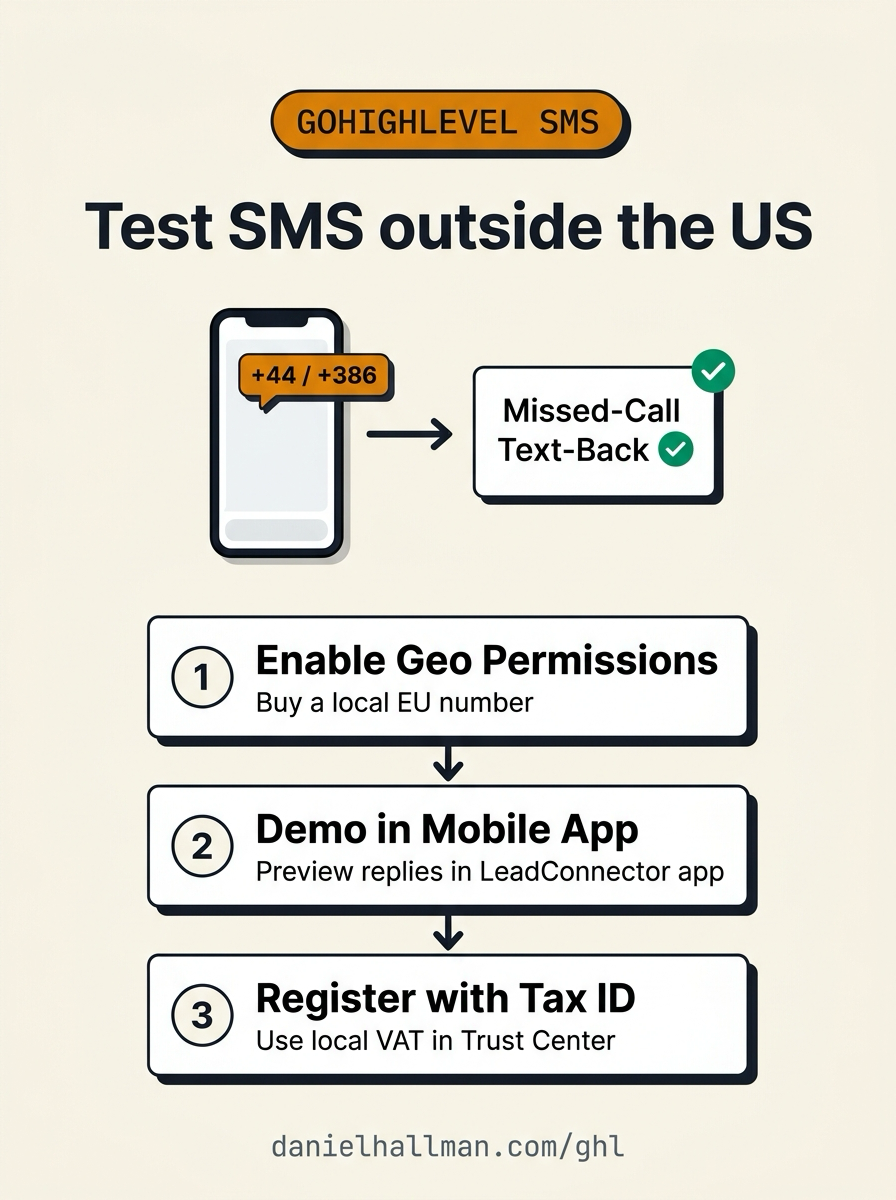
STEP 1In Settings > Phone Numbers > Advanced Settings > Geo Permissions, check your local country (for example,
Slovenia (+386)orUnited Kingdom (+44)) and click Save, then purchase a local SMS-capable number under Settings > Phone Numbers > + Add Number.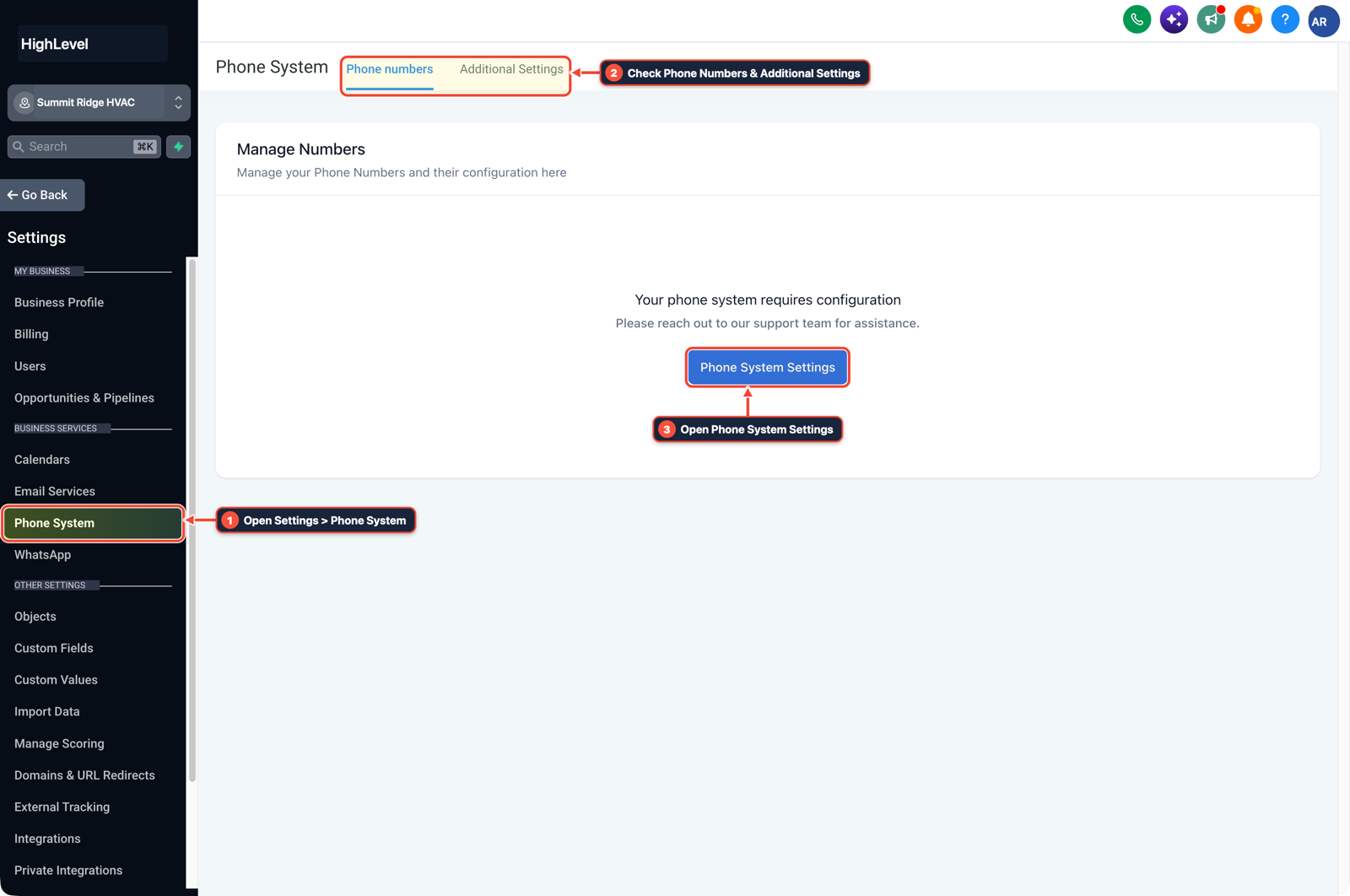
1Open Settings > Phone System 2Check Phone Numbers & Additional Settings 3Open Phone System Settings -
STEP 2In Conversations > Team Inbox (and Automation > Workflow > Execution Logs), place a test call to your sub-account number, hang up before voicemail, and show the prospect the live outbound reply firing on the LeadConnector Mobile App or Live Chat thread.
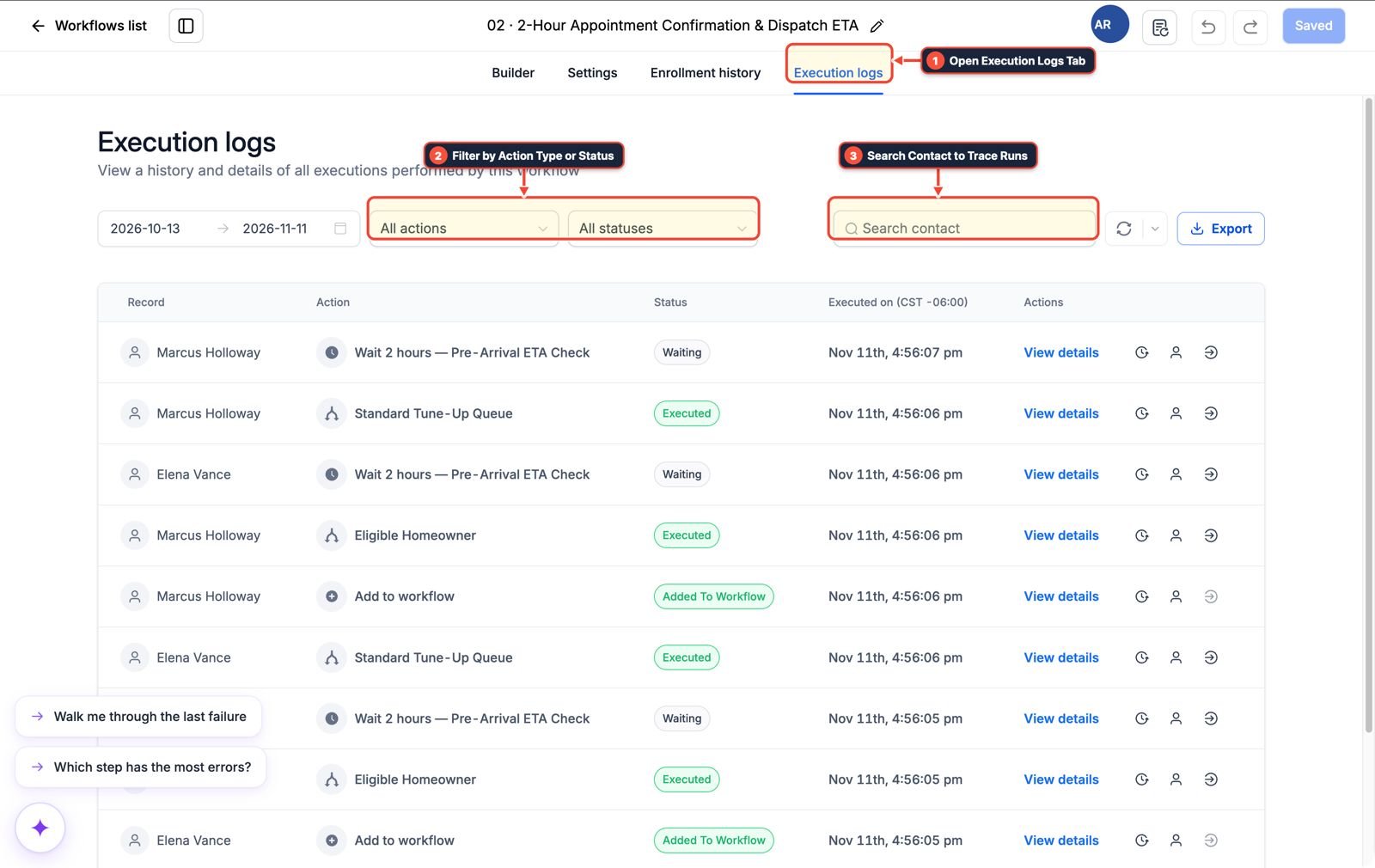
1Open Execution Logs Tab 2Filter by Action Type or Status 3Search Contact to Trace Runs -
STEP 3In Automation > Workflow Builder, add an If/Else branch on
Contact Phonecountry code or channel so prospects on WhatsApp or local EU numbers receive an instant reply while US+1numbers wait for Trust Center Standard Brand approval using your national tax ID.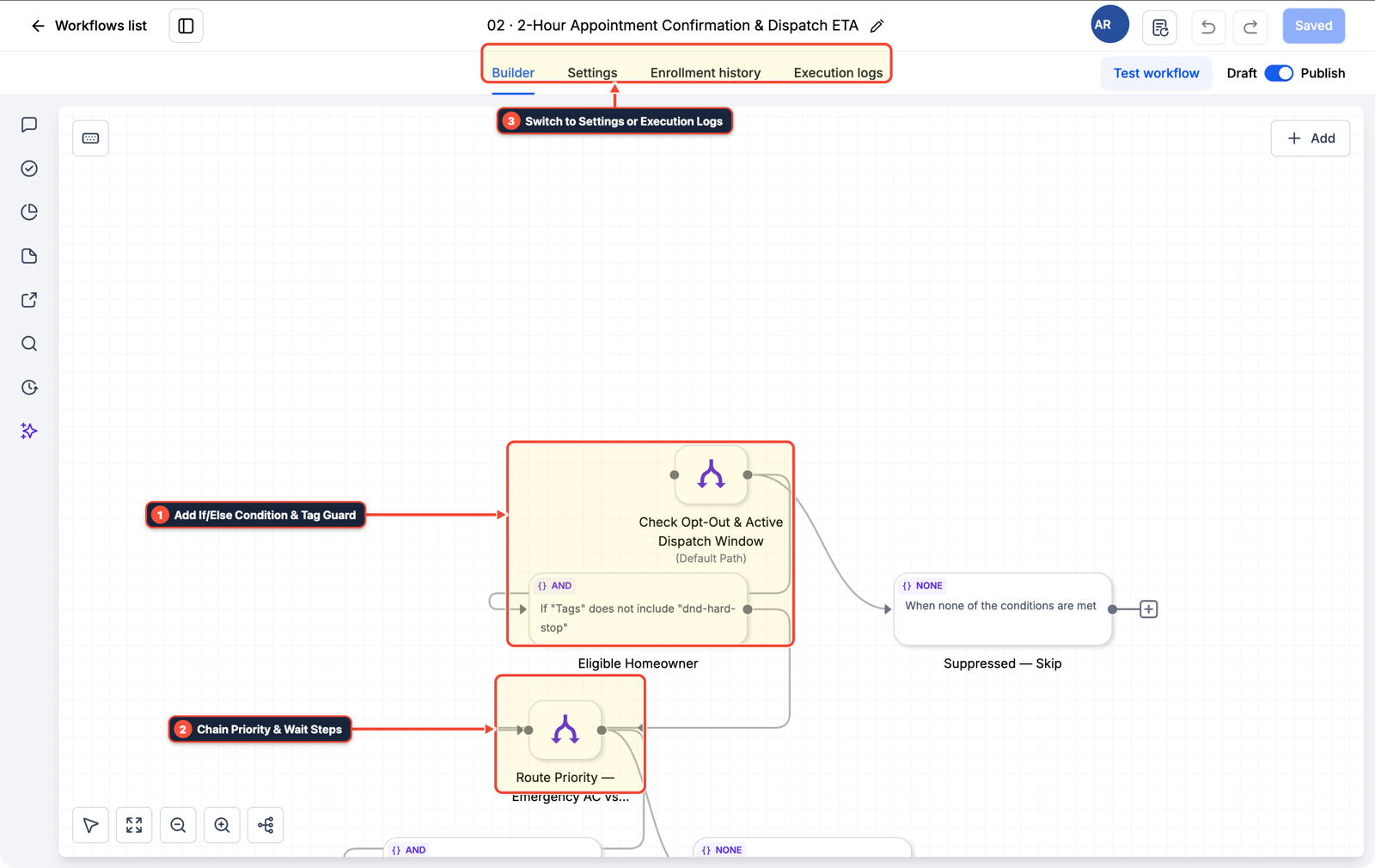
1Add If/Else Condition & Tag Guard 2Chain Priority & Wait Steps 3Switch to Settings or Execution Logs
MODE: AGENT PROMPT
PASTE INTO CLAUDE CODE, CURSOR, CHATGPT, OR GOHIGHLEVEL ASK AI
AGENT PROMPT
Configure international SMS testing and Missed-Call Text-Back demo routing in sub-account <YOUR_LOCATION_ID>:
1. In Settings > Phone Numbers > Advanced Settings > Geo Permissions, enable outbound SMS for the agency's local country code and provision a local EU or UK (+44) mobile number.
2. In Automation > Workflow Builder, open the Missed-Call Text-Back workflow and add a WhatsApp / Live Chat fallback branch for prospects watching live Loom or Zoom demos before US A2P 10DLC approval finishes.
3. In Settings > Phone Numbers > Trust Center, submit Standard Brand registration using the agency's national VAT or business registration number when US (+1) SMS is required.
GHL-TOOLS MCP SERVER & CLI (DANIELHALLMAN.COM/MCP)
BUILDER + SUB-ACCOUNT TOOLS
# Audit phone numbers, Geo Permissions, and A2P status in the sub-account
ghl-agency phone-wallet-audit --context <YOUR_CONTEXT> --location <YOUR_LOCATION_ID>
ghl-crm workflows list --context <YOUR_CONTEXT> --location <YOUR_LOCATION_ID>
Official GHL MCP vs. ghl-tools: HighLevel’s official hosted MCP (services.leadconnectorhq.com/mcp) covers public v2 CRM records (contacts, opportunities, appointments, conversations). ghl-tools MCP complements it with workflow graph inspection & recipes, funnel/form builders, DNS/BIMI checks, and ghl-crm doctor audits.
Cause
- Non-US agencies often purchase a US
+1LeadConnector number to test their first Missed-Call Text-Back workflow. - Sending a test text to a local European mobile fails with
Not allowed to send to this country/regionbecause outbound international SMS is off by default, while texting a US number fails withNumber Not A2P Compliantuntil campaign registration completes.
GoHighLevel Configuration
- Turn on your target countries in Geo Permissions, use a local UK or EU mobile-capable number for immediate SMS delivery tests, demo the live reply inside the LeadConnector Mobile App or WhatsApp during prospect calls
- and submit your national business registration or VAT number when registering a Standard Brand in Trust Center.
GoHighLevel Menu Paths
| Step | Menu Path in GHL | Action |
|---|---|---|
| Step 1 | Settings > Phone Numbers > Advanced Settings > Geo Permissions | Check your local country (for example, Slovenia (+386) or United Kingdom (+44)) and click Save, then purchase a local SMS-capable number under Settings > Phone Numbers > + Add Number. |
| Step 2 | Conversations > Team Inbox | In Conversations > Team Inbox (and Automation > Workflow > Execution Logs), place a test call to your sub-account number, hang up before voicemail, and show the prospect the live outbound reply firing on the LeadConnector Mobile App or Live Chat thread. |
| Step 3 | Automation > Workflow Builder | Add an If/Else branch on Contact Phone country code or channel so prospects on WhatsApp or local EU numbers receive an instant reply while US +1 numbers wait for Trust Center Standard Brand approval using your national tax ID. |
DEFAULT SETUP VS. AUTOMATED WORKFLOW
Operational Comparison
Manual Admin Work Per Client
Lead-to-Booked-Job Conversion
Related Questions
BUILD FASTER IN GOHIGHLEVEL · FREE TRIAL BONUSES + MCP SERVER
Build this directly inside your GoHighLevel sub-account
Connect Claude Code, Cursor, or OpenAI Codex to our ghl-tools MCP Server & Rust CLI to build workflows, forms, and funnels from your editor, or start your GoHighLevel plan through our partner link to unlock $612+ in ready-to-import kits (including GHL International SMS & A2P Setup Pack) and weekly live clinics.